
Short answer: If your phone supports eSIM and you want zero airport lines, quick setup, and easy top-ups, choose an eSIM. If your device is older or locked, or you need voice minutes in remote areas, buy a physical travel SIM. This guide compares travel sim vs esim deals side by side and gives you the exact checks for coverage, price, and setup so you can decide with confidence.
However, the right choice depends on your phone, destination, and data needs. Therefore, use the checklists and tables below to compare options before you buy. You will see where each option wins, what to check first, and how to avoid common pitfalls.
Quick takeaways—SIM vs eSIM for travel
- Coverage first: Pick the network that actually works where you will be. Use public coverage tools and local carrier maps.
- Device check: Confirm that your phone is unlocked and eSIM-ready. Also check hotspot support if you plan to tether.
- Price math: In many destinations, eSIM day passes are convenient, while physical SIMs sometimes win on price-per-GB for longer trips.
- Setup speed: eSIM is often near-instant with a QR code; a travel SIM needs a kiosk or delivery.
- Backup plan: For multi-country trips, an eSIM profile plus a spare physical SIM is a resilient combo.
What does travel sim vs esim deals mean for coverage and speed?
Because coverage decides your experience, start here. In cities, travel sim vs esim deals often run on the same local networks. However, rural areas, mountains, and islands can reveal large differences. For example, one provider may roam on Network A, while a rival uses Network B. As a result, speed and reliability can change street by street. Also note that a plan can market “5G,” yet your phone may fall back to 4G or 3G in many spots, which affects maps, ride-hail apps, and video calls.

Free download: WanderOza Travel Planning Kit
Compare flights, stays, tours, eSIMs, transfers, and deal rules before you book.
| Factor | eSIM | Physical Travel SIM |
|---|---|---|
| Setup time | Minutes via QR/app | Requires pickup or shipping |
| Phone support | eSIM-capable, unlocked devices only | Most unlocked phones (nano-SIM) |
| Multi-country ease | Excellent with regional plans | Good if plan supports roaming |
| Price-per-GB (long stays) | Competitive; sometimes higher | Often strong value at kiosks |
| Line for purchase | No line; online only | Airport/city shop lines likely |
| SIM swapping risk | Reduced physical swap risk | Subject to SIM-swap scams |
| Hotspot/Tether | Usually; check plan policy | Usually; check plan policy |
Coverage checks for SIM vs eSIM for travel
Do a five-minute coverage sweep before you buy. Start with independent maps such as OpenSignal and the Ookla 5G Map to see signal reach and technology (4G/5G) in your target neighborhoods. Then, open the destination’s carrier maps and compare. Because roaming partners differ by plan, a provider that looks similar on price can perform very differently in the areas you stay. Finally, scan recent carrier pages or traveler forums for mentions of tunnels, metros, ferries, and rural blind spots, so you can plan around them.
Device compatibility for eSIM vs travel SIM deals
Because compatibility decides everything, verify these points before comparing travel sim vs esim deals by price.
- Unlocked phone: Your device must accept non-home networks. Ask your carrier or check in settings.
- eSIM support (if choosing eSIM): Many iPhones and newer Androids support eSIM. Confirm with official guides.
- Band support: Your phone must support the destination’s LTE/5G bands for best speed.
- Hotspot/tether: If you plan to share data, make sure the plan and phone allow it.
Guides: Apple | Android | GSMA
Extra checks help avoid surprise hiccups. Some devices support two eSIM profiles but only one active at a time. Others allow one physical SIM and one eSIM together, but not dual eSIM in parallel. Also, models sold in different regions sometimes have different band support. If you rely on 5G, confirm the exact bands your phone supports and whether local carriers use those bands in your cities.
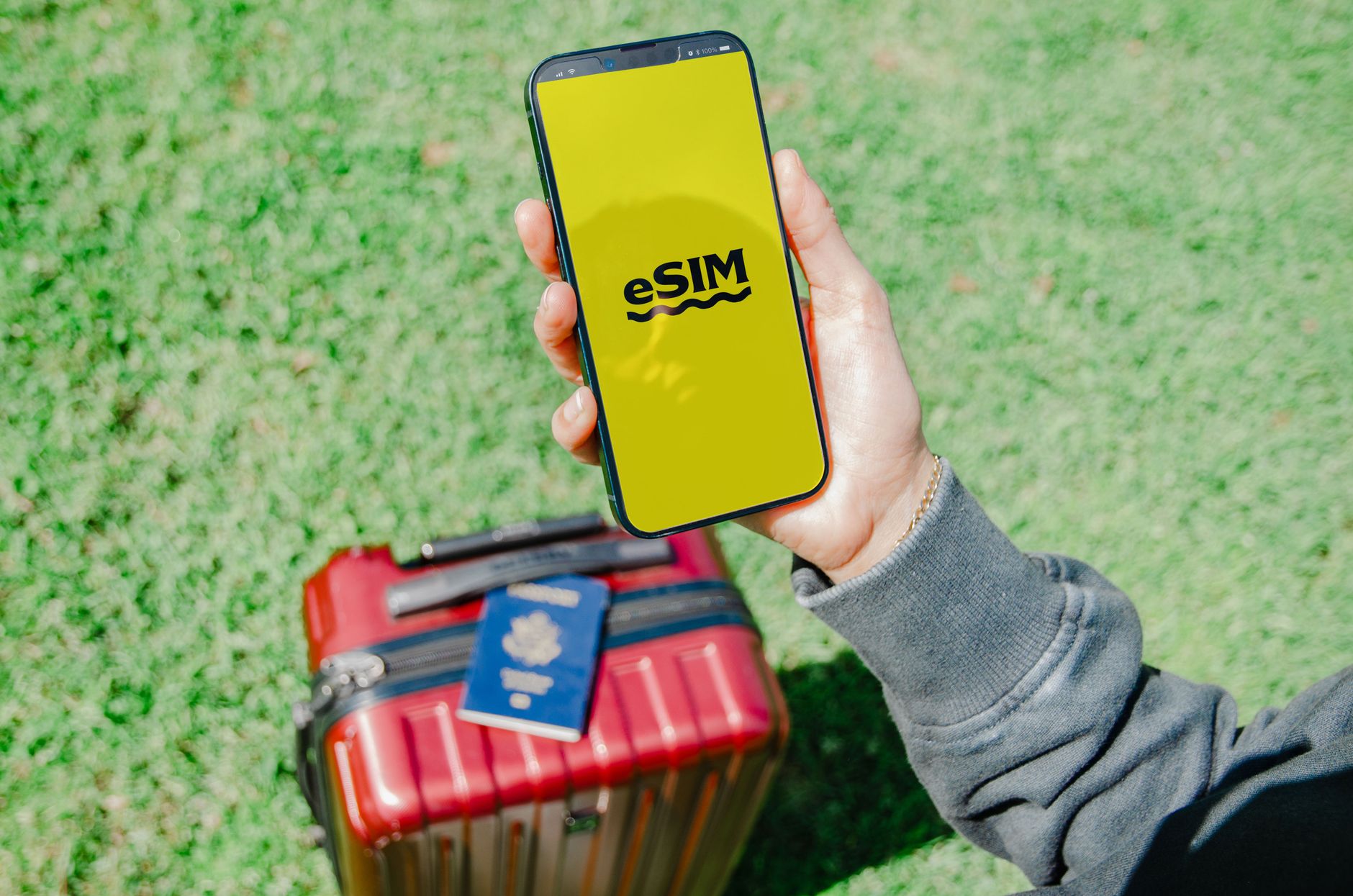
Price math to compare SIM vs eSIM for travel
Because plans use different units, normalize costs the same way. For example, divide by days for a per-day view, and by included data for a per-GB view. Then add expected top-ups. This lets you compare bundles, day passes, and “unlimited” (soft cap) plans on the same scale.
| Plan Type | Good for | Watch for |
|---|---|---|
| Day Pass (e.g., 1–7 days) | Short city breaks | High per-GB cost if you stream a lot |
| Bundle (e.g., 5–20 GB / 30 days) | One to three weeks with maps and social | Speed throttles after cap; check hotspot rules |
| Unlimited (soft cap) | Heavy daily use | Fair-use thresholds and speed drops |
| Regional (multi-country) | EU rail trips, SE Asia loops | Coverage gaps in border or rural areas |
In many places, local store SIMs are cheap for 10–30 GB at 4G speeds. Meanwhile, eSIMs shine for fast activation and multi-country hops. Therefore, when you compare travel sim vs esim deals, decide if your priority is lowest price or lowest friction.
To estimate total cost, write down three numbers: (1) days of travel, (2) estimated data per day, and (3) likely heavy-data days (photo backup, navigation-heavy sightseeing, a rainy Netflix evening). Multiply (1) by light-use days and add a buffer for (3). Then compare plans by total trip cost and per-GB cost. This approach keeps a cheap plan from turning expensive after a couple of unplanned top-ups.
Example 1—One-week city break (SIM vs eSIM for travel)
You land Friday night for a 7-day city trip. You will use maps, ride-hail, and messaging, but no video streaming. A 5–10 GB bundle or a 7-day eSIM pass often covers this. If an eSIM day pass is slightly pricier than an airport SIM, the time saved at arrival may still be worth it. Add one small top-up to your estimate as a safety margin.
Example 2—Three-week multi-country trip (eSIM vs travel SIM deals)
You plan 3 countries in 21 days. A regional eSIM can cut friction at borders. If local SIMs are much cheaper in two stops, a hybrid strategy works: buy a regional eSIM for day-one connectivity and border days, then switch to a local SIM in the cheapest country. Keep the eSIM profile on your phone as a backup.
Example 3—Remote-work month (travel SIM or eSIM comparison)
You will work from a coastal town for 30 days. Video calls and cloud sync matter more than price-per-GB alone. Check coverage in your exact neighborhood and the local café area. A local shop SIM with a generous bundle may win, but confirm hotspot terms and speed shaping after a threshold. If the strongest rural carrier is not a roaming partner of your travel eSIM, a physical SIM on that carrier can be the safer bet.
Setup speed and reliability in SIM vs eSIM for travel
Here’s what setup looks like, step by step:
| Method | Typical Time | Notes |
|---|---|---|
| eSIM (QR/app) | 5–10 minutes | Install before departure when possible |
| Airport SIM kiosk | 5–30 minutes + queue | Easy, but lines can be long at peak times |
| City carrier shop | 15–45 minutes | May require ID; often good prices |
| Mail-order SIM | Shipping time + 5 minutes | Install at home; activate on arrival |
For eSIM, have stable Wi‑Fi during install. Save the QR code or activation code offline in case your email app needs data to load. If your phone supports multiple profiles, label the new line clearly (for example, “Trip Data”). Test data and hotspot before you leave home if the provider allows pre-activation. Avoid deleting an eSIM profile unless support tells you to—some plans cannot be re-downloaded to the same device once removed.
How to compare travel sim vs esim deals in minutes
Use this fast workflow to compare travel sim vs esim deals without analysis paralysis.
- Lock trip basics: Countries, days, and expected heavy-data days (photo backup, map days, rainy Netflix).
- Device test: Unlocked? eSIM-ready? Hotspot OK? If yes to all, eSIM is likely easiest.
- Coverage snapshots: Check at least two independent maps plus a local carrier map.
- Three-plan short list: One eSIM, one local SIM, one regional plan. Note GB, days, hotspot rules.
- Normalize price: Calculate cost per trip and cost per GB. Add one safety top-up.
- Decide: Pick the best coverage first. Then pick ease vs savings.
Decision flow: Choose your plan—SIM vs eSIM for travel
- Device: Unlocked + eSIM‑ready? If yes, consider eSIM first.
- Coverage: Pick the network that wins where you stay.
- Price: Compare per‑trip and per‑GB totals.
- Install: Activate before airport lines; test data+hotspot.
When to favor eSIM—eSIM vs travel SIM deals
- Multi‑country trips: Regional eSIMs avoid SIM swaps at borders.
- Late arrivals: Land after midnight? Install before takeoff and go online on landing.
- Short city stays: A 3–7 day pass can be cheaper than your time in line.
- Backup ready: Keep your home line for 2FA; add eSIM for data.
If your phone is eSIM‑ready, travel sim vs esim deals often lean toward eSIM for sheer convenience. Because you can install at home, you remove airport friction. You also keep a digital trail of receipts and plan terms inside the app or email.
When to favor a physical travel SIM—SIM vs eSIM for travel
- Older or locked phones: Some devices cannot use eSIM.
- Long stays with heavy data: Local shops may offer stronger per‑GB value.
- Frequent voice calls: Some local SIMs bundle generous voice minutes.
- Rural coverage: A vendor partnered with the strongest rural carrier can be decisive.
Physical SIMs remain a solid default in places where shop prices are competitive and ID checks are simple. If you expect to call local numbers often, ask about minute bundles and whether Wi‑Fi calling works with your device and plan.
Regional and ID rules for eSIM vs travel SIM deals
ID rules differ. You may need a passport or a local address to buy a SIM in some countries. Fair‑use and roaming rules also vary across regions. Confirm purchase requirements and roaming coverage in advance, and note that “roam like at home” rules inside the EU apply to eligible EU plans and do not automatically grant free roaming to non‑EU visitors.
| Region/Country | eSIM Availability | Common ID Rule | Note |
|---|---|---|---|
| European Union | Wide (device‑dependent) | Passport often required in shops | EU roaming rules help intra‑EU travelers; not a free pass for non‑EU visitors |
| USA | Wide on major carriers | Usually minimal for prepaid | Strong city coverage; rural varies by carrier |
| Japan | Good via travel eSIMs | Passport for shop SIMs | Data‑only common; VoIP recommended for calls |
| China mainland | Varies; check app stores | Passport + registration | Check app accessibility and VPN policies |
Reference: European Commission: roaming explained

Security and number safety for SIM vs eSIM for travel
From a fraud‑risk view, travel sim vs esim deals differ less than you may think. Because eSIM has no removable card, physical SIM swapping is harder. However, social‑engineering scams can still target your mobile number. Use strong passwords, app‑based two‑factor authentication when possible, and avoid sharing one‑time codes over calls or messages. If your home carrier offers a port‑out PIN, enable it before you leave.
Dual‑SIM tips for eSIM vs travel SIM deals
Many phones offer dual‑SIM (one physical + one eSIM, or dual eSIM). Keep your home number active for calls and codes while using a local data plan. Set your home line to “calls/SMS only” and route data through your travel plan. Consider disabling data roaming on the home line to prevent background app sync. If voicemail matters, test how your device handles missed calls on the inactive line and whether Wi‑Fi calling continues to work abroad.
Hotspot, tethering, and fair‑use—SIM vs eSIM for travel
Hotspot rules can make or break a plan for laptops and tablets. Some plans allow tethering but reduce speed after a threshold. Others block tethering entirely. Read the plan’s terms for “tether,” “hotspot,” “personal hotspot,” or “data sharing.” If you rely on work calls, also check any “streaming optimization” or “video resolution” notes that may limit 1080p or 4K.
Fair‑use policies on “unlimited” data usually specify a soft cap (for example, after 20–50 GB), after which speeds drop. Aim for plans that disclose thresholds clearly, and build your data budget so you rarely hit that limit.
Airport kiosks vs online activation—travel sim vs esim deals
Airport sellers often pitch travel sim vs esim deals at premium convenience prices. If you can install an eSIM at home, you gain time on arrival and often save money. On the other hand, airport kiosks offer in‑person help if you prefer a human to set APNs or check your device. If you do buy at the airport, confirm the plan’s renewal rules and whether the SIM locks to one device.
Online activation reduces pressure decisions. You can read terms at your pace and take screenshots of the key conditions (hotspot, speed after cap, refund rules). When a plan allows pre‑activation, you can also test that the profile appears on your device before departure.
Special cases—SIM vs eSIM for travel: cruises, remote areas, offline maps
Cruises: Ship Wi‑Fi and maritime networks are often expensive; pre‑download maps, shows, and playlists, and check your cruise line’s Wi‑Fi packages. Remote parks/islands: One local carrier may dominate; do extra coverage research and do not assume the same speeds as in cities. Offline safety net: Download offline maps, boarding passes, hotel vouchers, and translation packs regardless of the plan, so a dead zone does not stop you.
Family and group planning for eSIM vs travel SIM deals
For groups, shared data or hotspot‑friendly rules can save money. One person can run a high‑data plan as the mobile hotspot, while others use light bundles. eSIMs often reduce logistics: one person can help everyone install profiles before departure. Label each line by name and country, and set app download updates to Wi‑Fi only. If kids travel with you, set data limits or use “low data mode” on their lines so a video binge does not consume the group’s allowance.
Troubleshooting checklist—SIM vs eSIM for travel (fast fixes)
- Restart the phone and toggle airplane mode.
- Ensure the correct line is set for data and that data roaming is on for that line.
- Install or confirm APN settings from the provider.
- Test outdoors or near a window; try another neighborhood if possible.
If data works but hotspot fails, recheck plan terms and APN types (some require a specific APN for tethering). If an eSIM profile looks corrupted, contact support before removing it—some profiles cannot be downloaded again without a new code.
Responsible use and roaming—travel sim vs esim deals
Roaming rules, speed management, and fair‑use policies vary by country and provider. Because these rules change, always confirm the latest terms on the provider’s website and in official policy pages such as the EU roaming framework noted above. Also confirm device support through the Apple and Android help pages linked earlier. If you depend on Wi‑Fi calling or specific messaging features, test them on day one.
Affiliate pick: plan your stay where signal is strong
Affiliate disclosure: Some links in this travel guide may be affiliate links. If you book or buy through them, WanderOza Travel may earn a commission at no extra cost to you.
Also match your hotel area with a strong carrier footprint. For example, book near lines and hubs with solid 4G/5G. Therefore, check options and neighborhoods now:
Compare hotels and neighborhoods on Trip.com
FAQs: travel sim vs esim deals questions answered
Which is cheaper in Asia—travel sim vs esim deals?
It depends on the country and trip length. For short city breaks, eSIM day bundles can be close in price to airport SIMs and save time. For longer stays, local shop SIMs often offer lower cost per GB. Therefore, normalize price by trip days and data needs before you choose. If you switch countries every few days, a regional eSIM may cost slightly more per GB yet still win on convenience and fewer queues.
Will my iPhone or Android support eSIM everywhere?
Support depends on both your device and the destination’s carriers. Many recent iPhones and Androids support eSIM, but you still need a compatible plan. Check Apple’s and Android’s official guides and the plan’s device list. If you buy a phone in one region and roam in another, confirm that the device’s 4G/5G bands match the local networks you plan to use.
Can I keep my home number active for calls and texts—SIM vs eSIM for travel?
Yes, if your phone supports dual‑SIM. Keep your home line for calls/SMS and set data to your travel plan. Also remember to manage roaming settings to avoid unexpected charges on the home line. If you use messaging apps tied to your number, check that they continue to send and receive over the data line you select.
How do I test my plan before I leave—eSIM vs travel SIM deals?
Install the eSIM profile at home if allowed. Confirm it appears as a secondary line, name it, and turn it off. Reactivate on arrival and follow any activation prompts. For a physical SIM, check the size (nano‑SIM) and any activation steps before departure. If your plan requires the first connection in‑country, keep the instructions handy for arrival.
Will hotspot work on my plan—SIM vs eSIM for travel?
Usually, but plans vary. Check the hotspot/tether section in the plan details. Some plans limit speeds or set a daily hotspot cap. If you must tether a laptop, test the connection early and keep an offline map or ride‑hail backup in case tethering stops after a threshold.
Is eSIM safer than a physical SIM—eSIM vs travel SIM deals?
eSIM reduces the risk of physical SIM swaps but does not prevent social‑engineering attacks. Therefore, use account PINs, avoid sharing one‑time codes, and secure your logins with app‑based two‑factor authentication when possible.
Step-by-step setup—SIM vs eSIM for travel
Follow these steps to get online smoothly on day one. Keep your home line safe, label your travel line, and test hotspot if you plan to share data.
eSIM setup
- Buy an eSIM plan and receive the QR code or activation code.
- Open your phone settings and add a mobile plan (scan QR).
- Label the line (for example, “Travel Data”), set it as data‑only, keep your home line for calls/SMS if needed.
- Install any required APN settings and test data + hotspot.
Guides: Apple | Android
Physical SIM setup
- Confirm your phone is unlocked and supports local bands.
- Buy a travel SIM at a kiosk or shop; bring your passport if needed.
- Insert the SIM (usually nano), follow activation steps, and restart.
- Enter APN settings if prompted; test data + hotspot.
Final checklist before you pay—travel sim vs esim deals
- Coverage checked in the exact neighborhoods you will visit.
- Device unlocked and eSIM‑ready if going digital; hotspot rules confirmed.
- Plan terms read for fair use, speed after cap, refunds, and re‑download limits.
- Price normalized by days and by GB with one top‑up buffer; offline maps saved.
These quick checks reduce surprises and keep your trip online, from airport transfer to the last museum stop.
Bottom line on travel sim vs esim deals
Use these steps to compare travel sim vs esim deals with confidence. Pick the network that covers your route, then choose the plan that fits your time and data habits. Because the best plan is the one that works where you stand, start with coverage, confirm your device, and only then compare prices. If you still cannot decide, choose the path that lowers risk: a regional eSIM for instant connectivity plus a local SIM as backup where shop prices are strong.
References and sources for SIM vs eSIM for travel
- OpenSignal
- Ookla 5G Map
- Apple: Use eSIM on iPhone
- Android Help: eSIM
- GSMA: eSIM Overview
- European Commission: Roaming rules
- FCC: SIM Swapping Fraud
Helpful next step: Before you book, compare location, total cost, cancellation rules, timing, and the practical tradeoffs for this trip.